
Searching Ripley County Cases by Name
Start with Missouri Case.net, the statewide system that covers Ripley County court records. No case number? Search by litigant name. Spell it exactly as the citation or filing does, and consider middle names, initials, common abbreviations, name changes, and close variants. Watch for similar names. A name match is only a lead; it does not prove that every result belongs to the same person.
- Open Case.net and choose Litigant Name Search.
- Enter the clearest available party name, then review the county, division, case type, and case number in each possible result.
- Narrow with the filing date or a court filter if the live interface makes that option available.
- Open the matching case header and note the status, last event, and next setting shown.
- When the result remains uncertain, give the clerk the party name, likely year, and division rather than guessing from a common-name match.
The official instructions describe the field families the name search uses. Not every alias or status option appears on every screen. Treat that as a limitation of the display. It is not a limit on the court's data. Verify uncertain results locally with the clerk.
| Search field | Type | Required | Documented use |
|---|---|---|---|
| Litigant name | Text | For this route | Use the most exact spelling available; current alias controls were not captured. |
| Case number | Number or code | For that route | The most precise search route when a number is known. |
| Filing date | Date | For that route | Can narrow a search; it is not a hearing-date field. |
| Scheduled hearing | Search route | For that route | Locates settings that still need confirmation with the court. |
Ripley County Case.net Search Routes
Case.net offers four public routes into a Ripley County docket search. The official menu lists Litigant Name Search, Filing Date Search, Case Number Search, and Scheduled Hearings & Trials Search. Each answers a different question. Filing Date Search can surface a newly filed case. But it cannot tell you when the hearing falls. Scheduled Hearings & Trials finds a setting. Though a recent change may not appear in the public index yet. Work one route at a time. Record only what you need to repeat the search: county, division, case category, case number, parties, filing date, status, last event, and next setting. The official Track This Case instructions give the public menu names in full. They also make one point worth copying: always note your search date. Case status can move.
Searching Ripley County Cases by Number
Try the exact case number first. It beats a surname for precision and usually opens the right case header directly. Formats vary with age and category. The statewide rule lets older or converted records follow circuit, category, location, year, and sequence patterns. Current automated cases can use a new construct. Many traffic and infraction matters instead carry a uniform citation number. If you lack a real one, a safe Ripley County pattern is [case number from notice]. Never use an invented number. Read the live header. Do not decode a generic sample. The number can signal case type, court, year, or sequence. Still, format depends on the record's age and category. A municipal case that transfers or comes up on trial de novo can create a related associate or circuit number. Search the original citation and the later number. Then ask the clerk whether the two entries are related.
Ripley County Electronic Case Details
The Missouri File Viewer Help page explains the case header and how documents behave. The blue bar carries the case number and style. An ECASE marker means the record is electronic. A hyperlinked docket entry usually means a document is attached. A plain entry may have no accessible attachment. It may also require a different authorized path. Public users sometimes need staff help. Court staff can log them into the courthouse public-access process to view eligible electronic documents. That route is separate from the secure one used by attorneys and authorized filers. It runs through the Missouri eFiling System. And note the limit: a public case header or docket event does not make every attachment public. Sealing, confidentiality, and redaction rules still govern the electronic record.
What a Ripley County Case Search Returns
Treat a Ripley County case result as an index and status record. The header and docket identify the court, county, case category, number, parties, filing date, status, entries, and settings. The header carries a lot. Court Operating Rule 4 describes the automated docket as containing those core fields. It also includes judicial actions such as orders and judgments. One caution applies. A docket entry can be a short event description rather than the full document behind it. So the label alone rarely tells the whole story.
| County and division | Shows which court component is handling the Ripley County matter. |
|---|---|
| Case number | The identifying number or citation-based file number shown in the case header. |
| Style or parties | The public case caption and party roles, subject to access limits. |
| Case type and filing date | The category and date of filing, which are distinct from a hearing date. |
| Status and last event | Indicates current posture and the most recent docket action visible to the public. |
| Next setting | A scheduled event that should be confirmed with the clerk or official notice. |
Need the full text of an order or judgment? Request the document itself instead of trusting a brief docket label to tell you what the court decided about a motion, an order, or a judgment.
When a Ripley County Case Is Missing
A missing result is not proof that no case exists. Public display has gaps. Historical records, legacy files, restricted matters, municipal transfers, and newly entered cases can all be incomplete or unavailable. With a municipal matter, the first result may sit under the citation number. A later associate or circuit case carries a separate one. Juvenile, sealed, and expunged cases face added limits. The Ripley Find a Court listing points you to the right division. From there, call the circuit clerk at (573) 996-2818. You can also call Associate Division II at (573) 996-2013. Give the party name, likely filing date, case type, and any citation or number. The clerk counter sits at 100 Courthouse Square, Suite 4, Doniphan, Missouri 63935. Staff there can open a public terminal or allow paper-file inspection where permitted. Ask first. Confirm the office accepts narrow written requests by mail, fax, or email before sending one. One habit matters. When a Ripley County docket search comes up empty, write down "no result in the public display". Note the search date too. That is not the same as saying no court record exists.
Statewide vs Ripley County Case Search
Case.net covers the whole state. It serves as the main public index for Ripley County case search. The county itself posts no rival portal. What Ripley County offers instead is the local route through the court and the circuit clerk: finding the right division, confirming a hearing, viewing public documents you are allowed to see, or asking for a record by name. The two systems are not copies of each other. Statewide index on one side, courthouse process on the other. They work together when a docket search turns up what you need.
| Missouri Case.net | Ripley County clerk and courthouse |
|---|---|
| Statewide public index for eligible court cases. | Local confirmation, division routing, public-terminal access, and copies when authorized. |
| Useful for a name, filing date, case number, or scheduled-hearing search. | Useful when a result is unclear, missing, changed, historical, or needs a document request. |
| May show a header, docket entries, and linked public documents. | Can explain local access channels but cannot release restricted material without authority. |
Once an index result points to the filing you need, the Ripley County court records process takes over from there. That is where you get the full history and copies.
Ripley County Case Notifications
Track This Case is a Case.net alert tool, nothing more. It does not replace a court notice or the clerk's own confirmation. The official signup screen asks for an Email field and a Confirm email field. It also wants a Verification code and New Characters before the Track This Case button appears. Follow whatever the live prompts ask, and keep the case number saved with the account. Note one limit. Fine Collection Center cases cannot use the notification feature at all.
Missouri's eFiling System sits apart from all of this. It exists for attorneys and other authorized filers. Everyone else leans on Case.net for index information or the public-access terminal at the courthouse for eligible documents. That split protects the filing system itself. It also explains a common frustration: a docket entry can be visible while the attachment behind it stays out of reach online.
Ripley County Restricted Case Access
Some things will never show up in an ordinary public search. Confidential, sealed, expunged, juvenile, mental-health, treatment-court, grand-jury, presentence, and certain victim-related materials all sit outside the public docket. Even an open case can hold attachments that stay closed. Court Operating Rule 4 and the court's own access process draw those lines, and a visible case number or header changes nothing about them.
When access runs into a wall, ask the clerk which rule or category controls and whether a docket-only extract, a redacted copy, or an in-person inspection option exists. Keep sensitive identifiers out of your search terms. And remember that a blank result does not prove a case never existed. A confidential, sealed, or expunged record leaves no public trace by design.
Federal Cases Are Separate Searches
Federal cases never appear in a Ripley County Case.net search. They live in a different system entirely. Qualifying federal matters run through PACER and the U.S. District Court. Missouri state trial cases stay in the state index. Free archives can help you spot federal docket material, but none of them replaces the official record.
The RECAP project overview explains one such archive of federal court filings. Once you already know a federal matter exists, it makes a solid starting lead. Check the official source after that.
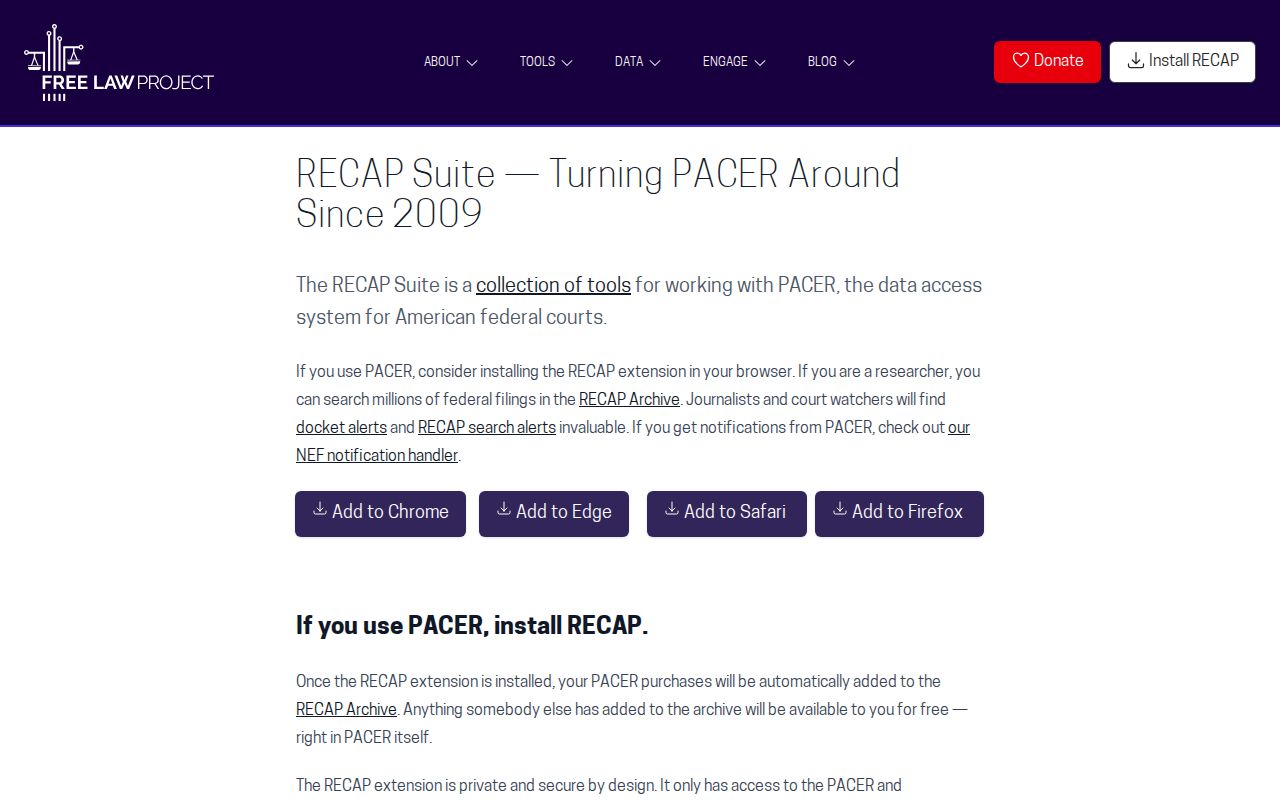
RECAP's coverage is uneven, so verify against the official federal docket when accuracy matters. For searching that free material, CourtListener offers a searchable docket and opinion collection with RECAP included.
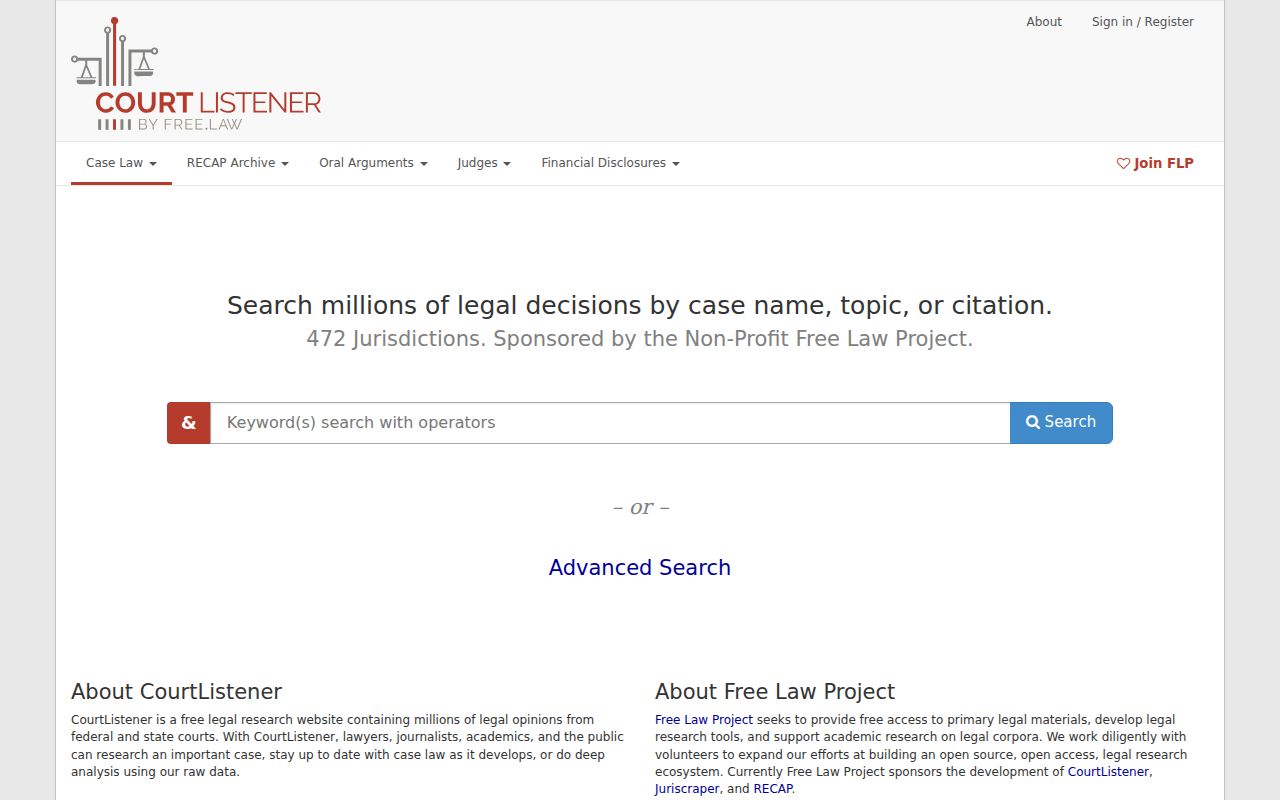
CourtListener's results stand apart from Missouri Case.net and never substitute for clerk confirmation on a state case. For the official federal route, PACER handles both case search and document access.
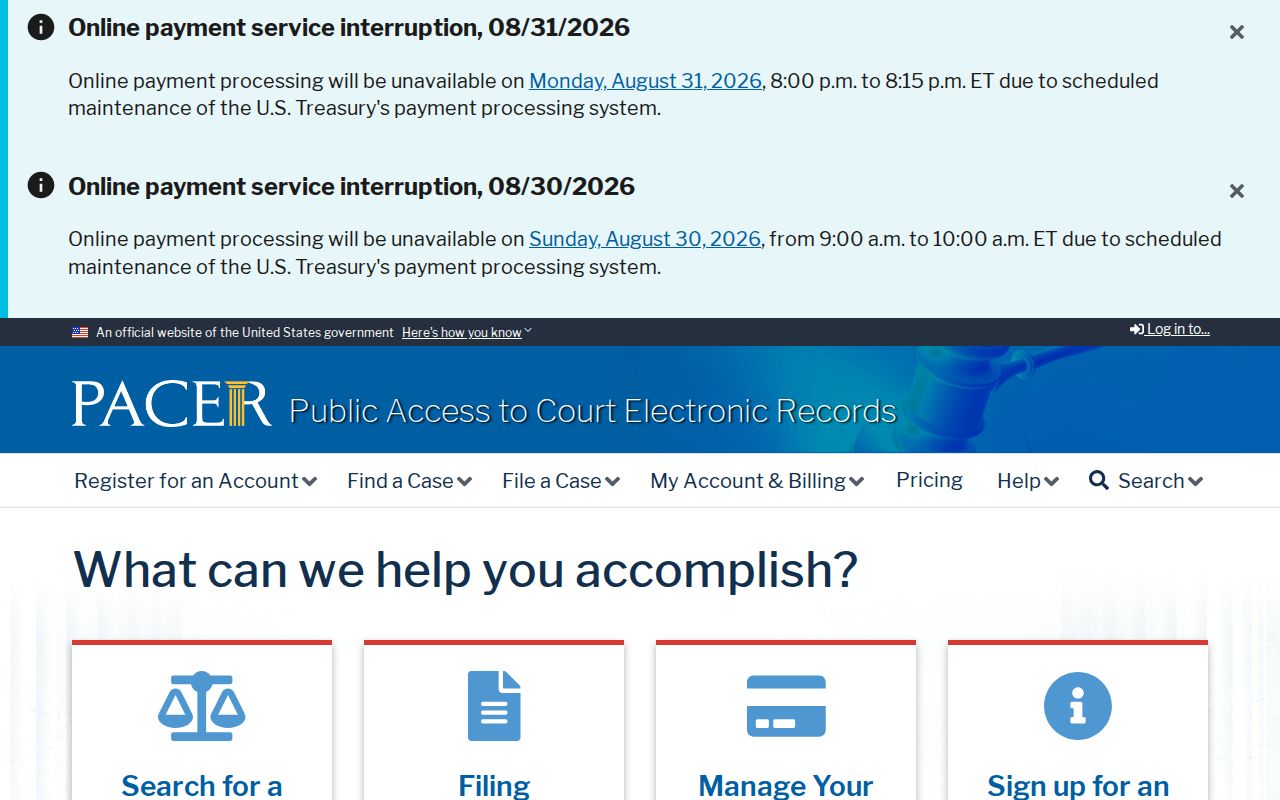
PACER account and document-access rules apply separately from the Missouri court system.